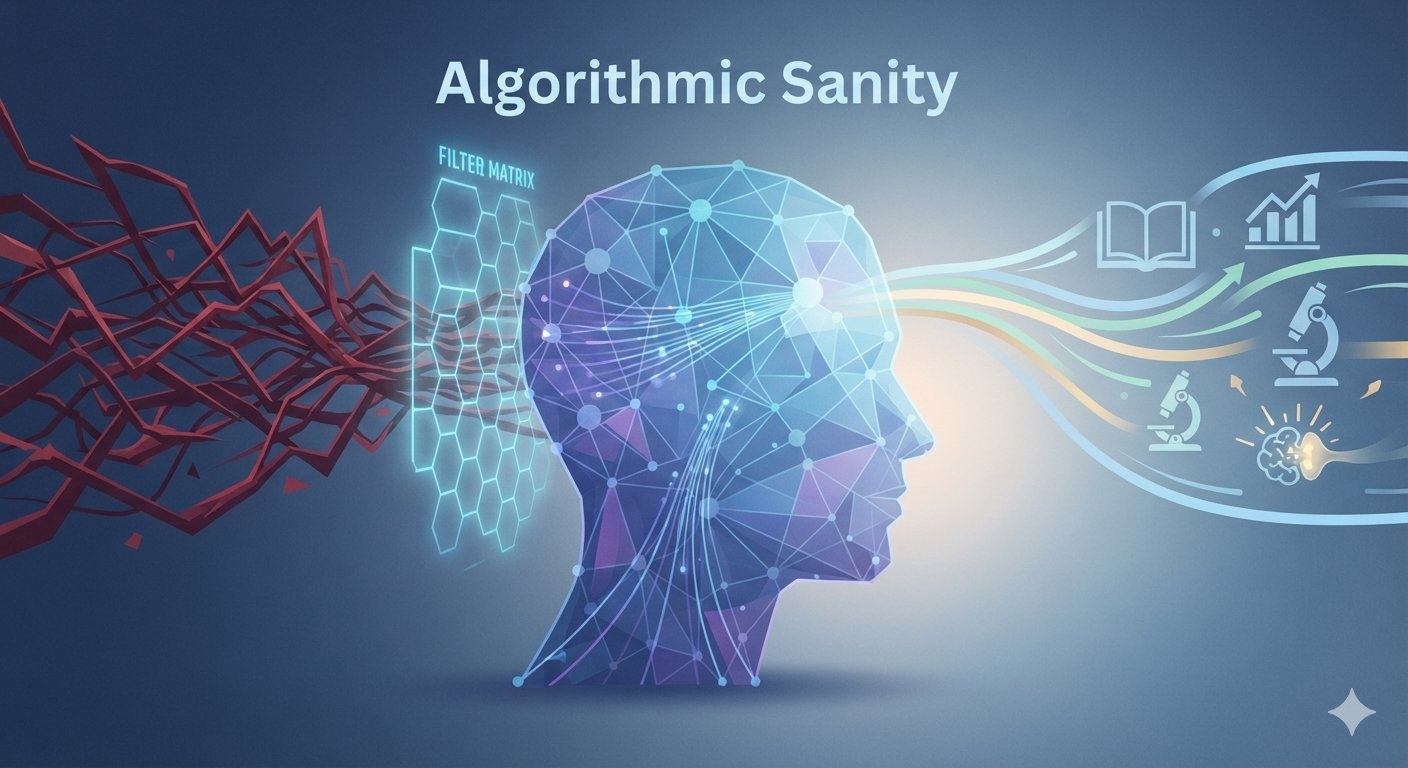
 Every morning, billions of people wake up and hand control of their minds over to a sequence of mathematical code. You open your phone, tap an icon, and within milliseconds, a hyper-optimized recommendation engine decides what you should think about, care about, or fear.
For most users, this feed has turned toxic. The algorithms that power TikTok, Instagram, YouTube, and X (formerly Twitter) are not designed to optimize for your happiness, your intelligence, or your long-term success. They are engineered to optimize for user retention time and ad revenue. In the attention economy, nothing retains human eyes quite like outrage, division, and sudden spikes of dopamine.
how to reset your algorithm
You do not have to delete your social media accounts and retreat to a cabin in the woods to reclaim your focus. Instead, you need to transition from a passive consumer to an active operator. This is the complete blueprint to Algorithmic Sanity—the systematic process of retraining, filtering, and commanding machine-learning feeds to serve your personal and professional growth rather than exploiting your psychological vulnerabilities.
1. The Psychology of the Modern Feed: Why It Prefers Your Rage
To beat the algorithm, you must first understand how it views you. To a recommendation engine, you are not a human being with goals; you are a matrix of predictable behaviors, data points, and dwell times.
The Outrage Loop
Psychological studies show that moral outrage triggers deeper online engagement than positive emotions. When you see something that makes you angry, you are statistically more likely to:
stop doomscrolling tips
social media algorithm fix
-
- Leave a passionate comment.
- Share the content to express your disbelief.
- Watch the video to the very end to see how the conflict resolves.
The machine notes this behavior. It does not understand that you are angry; it only understands that you looked at the screen for 42 seconds instead of your usual 4 seconds. To the algorithm, that 42-second dwell time is an absolute victory. It rewards that creator, finds fifty similar videos, and pushes them straight into your feed. Within three days, your digital worldview shifts from normal reality to a hyper-polarized battleground.
The Habit Loop Shift
Most digital detox advice tells you to use willpower to stop scrolling. This advice fails because it ignores the neurobiology of the variable reward schedule—the same psychological mechanism that makes slot machines addictive. You swipe down to refresh the feed because you might find a life-changing piece of advice, a funny video, or a message from a friend.
┌────────────────────────────────────────────────────────┐
│               THE TOXIC ALGORITHM LOOP                 │
├────────────────────────────────────────────────────────┤
│  [User Opens App] ──► [Triggers Outrage/Dopamine]       │
│                            │                           │
│                            ▼                           │
│              [High Retention & Commenting]             │
│                            │                           │
│                            ▼                           │
│              [Machine Delivers More Rage] ◄────────────┘
└────────────────────────────────────────────────────────┘
To break this loop, you cannot rely on sheer willpower. You must structurally alter the variables. You must systematically starve the outrage engine of data while force-feeding it educational, high-value inputs.
2. Phase 1: The Nuclear Reset Protocol
You cannot train a system that is already drowning in years of your historic scrolling data. If you have spent the last three years hate-watching political arguments or mindlessly scrolling through lifestyle-envy content, your profile is deeply set. You need to wipe the slate clean.
Before implementing a new training regime, execute this application-by-application reset protocol to return the algorithms back to their default baseline.
TikTok
TikTok’s “For You” page (FYP) is notoriously aggressive, but it contains a built-in reset switch that few users utilize.
how to reset tiktok fyp
-
- Navigate to your Profile and open Settings and Privacy.
- Scroll down to Content Preferences.
- Select Refresh your For You feed.
- Tap Continue and confirm the reset.
- Immediately clear your local app cache within the same settings menu to delete temporary data footprints.
Instagram & Threads
Meta builds profiles based on deep semantic networks of interest. To break this network:
how to fix instagram explore page
-
- Go to your profile, open Settings, and tap Suggested Content.
- Tap Specific Words and Phrases and clear any historical inputs.
- Return to the main settings page, navigate to Security/Privacy, and look for Search History. Select Clear All.
- For the next 48 hours, browse Instagram exclusively through your Following tab rather than the Explore grid to prevent the machine from building an immediate tracking profile based on accidental dwell time.
YouTube
YouTube has the most sophisticated long-tail recommendation engine in the world. Wiping its memory requires removing its fuel source.
-
- Go to your Google Account My Activity dashboard (
://google.com). - Click on YouTube History.
- Turn off YouTube History completely, or click Delete and choose All Time.
- Wiping your watch history will instantly turn your YouTube homepage into a clean, search-driven interface rather than an endless loop of algorithmic rabbit holes.
- Go to your Google Account My Activity dashboard (
X (Twitter)
X relies heavily on user-defined and machine-defined lists. To reset your “For You” page on X:
-
- Navigate to Settings and Privacy > Privacy and Safety > Content You See.
- Click on Interests. You will see a list of hundreds of boxes the algorithm has checked for you.
- Uncheck every single box relating to news, gossip, politics, or controversy. Leave only boxes tied to hard skills, science, or your direct professional industry.
3. Phase 2: The 48-Hour Algorithmic Training Regime
Once your accounts are reset, the algorithms are highly sensitive to your next moves. They will throw a wide variety of content hooks at you to see what sticks. The first 48 hours post-reset are critical; you must treat the application like an untrained puppy. Every interaction is a command.
To build an educational, high-value feed that enhances your mind, execute these strict interaction rules.
The Rule of Active Disinterest
The moment content appears on your screen that is gossipy, dramatic, political, or addictive without adding value, you must treat it like radiation.
-
- Do not pause. Do not let the video loop. Do not scroll down to read the comments out of curiosity.
- Swipe away within 1.5 seconds. Fast swiping tells the recommendation engine that this specific category yielded zero engagement value.
- Use the explicit negative signal. Long-press on the video or photo and tap the “Not Interested” broken-heart icon. On platforms like YouTube, click the three dots and select “Don’t recommend channel.”
Force-Feeding High-Value Intent
To replace the trash, you must actively inject premium data into the system. Spend 20 minutes executing deliberate, high-intent searches on each platform.
| Target Niche | Example Search Phrases to Target | Target Content Format |
|---|---|---|
| Personal Finance | “Index fund investing basics”, “Corporate tax strategies 2026”, “Macroeconomic trends” | Long-form video breakdowns, text explanations |
| Tech & Software | “Python automation scripts”, “Private LLM training”, “System architecture design” | Coding tutorials, repository walk-throughs |
| Mental Performance | “Neurobiology of focus”, “Circadian sleep protocols”, “Cognitive load optimization” | Peer-reviewed study breakdowns, expert interviews |
| Creative Craft | “Long-form writing structures”, “Directing lighting setups”, “Typography principles” | Behind-the-scenes essays, visual deep-dives |
The Engagement Matrix: What to Give and What to Hold Back
Algorithms measure the strength of your actions. A share or a save is weighted significantly higher than a simple double-tap like. Use this hierarchy to train the machine:
-
- The Like (Low Value): Use this sparingly. Only like content that represents foundational principles you want to see once a day.
- The Bookmark/Save (High Value): This is the strongest signal for educational content. Save tutorials, long-form essays, and technical breakdowns. The algorithm interprets a save as content so valuable you plan to return to the app to see it again. It will flood your feed with similar educational resources.
- The Long Hold/Dwell Time (Extreme Value): If you find a deep-dive text post or a highly detailed infographic, stay on it. Read every word slowly. The machine measures your pixel dwell time. High dwell time on educational text forces the app to down-rank fast-paced, high-stimulus videos in favor of slower, information-dense posts.
4. Phase 3: The Keyword Blocklist Blueprint
The most powerful weapon for digital sanity is the hidden keyword blocklist. Almost every major platform allows you to create a custom filter that intercepts content before it ever hits your display screen.
By hardcoding a comprehensive blocklist into your social apps, you build an automated filter that drops outrage, celebrity gossip, and toxic news cycles straight into a digital void.
Go to your application content settings (typically under Content Preferences or Privacy > Muted Words) and copy-paste these specific categorical blocks.
The Outrage and Political Noise Filter
Add words that dominate volatile, emotional news cycles. This does not mean you choose ignorance over awareness; it means you choose to read news intentionally from trusted sources rather than having it fed to you via emotionally manipulative short-form videos.
Examples to block: politician names, election, scandal, breaking news, outrage, exposed, canceled, caught on camera, left wing, right wing, boycott, toxic, receipts.
The Dopamine-Trap and Hype Filter
Block words used by low-effort creators to trigger fear of missing out (FOMO) or get-rich-quick mindsets.
Examples to block: alpha male, sigma, beta, crypto pump, 10x your life, hustle culture, secret hack, dropshipping millionaire, lookmaxxing, glow up, chatgpt secret.
The Gossip and Tabloid Filter
Eliminate low-intellect distractions that drain daily cognitive reserves.
Examples to block: celebrity names, influencer drama, breakup, red carpet, viral feud, reaction video, unboxing trend, secret romance, blind item.
Incoming Feed Content  ──► [ KEYWORD BLOCKLIST FILTER ] ──► Clean, High-Value Feed
                                   │
                                   ▼
                        (Matches Trigger Word)
                                   │
                                   ▼
                            Dropped Silently
Once these keyword filters are live, your apps become remarkably quiet. The constant noise drops away, leaving open space for high-value creators, industry analysts, and technical instructors to populate the feed.
5. Phase 4: Building an Offline-First Consumption Infrastructure
True algorithmic sanity requires shifting your primary source of knowledge away from algorithmically managed streams entirely. Social media should be the place where you discover broad concepts, not where you study them. To achieve deep mental clarity, you must build an independent, offline-first digital workflow.
Transition to RSS and Direct Subscriptions
Instead of hoping the algorithm shows you articles from your favorite thinkers, bypass the middleman entirely.
-
- Use an RSS Reader (such as Feedly, Inoreader, or NetNewsWire) to subscribe directly to the blogs, journals, and websites that matter to your career.
- Subscribe to high-signal, independent Substack newsletters or specialized publications.
- When you open an RSS reader, you are looking at a chronological list of content you chose to follow. There is no recommendation engine trying to manipulate your emotions, no infinite scroll, and no unintended distractions.
The “Read It Later” Protocol
Never read long articles or watch deep tutorials inside a social media app interface. The app environment is designed to pull you into the next video or post the moment you finish the current one.
-
- Install a dedicated curation tool like Pocket, Raindrop.io, or Omnivore.
- When you stumble upon an excellent 10-minute read or an educational video on your social feed, do not consume it there. Tap the share button and send it immediately to your read-it-later app.
- Close the social app.
- Once or twice a day, open your curation app. Read or watch your saved content in a clean, ad-free, distraction-free environment.
This simple separation of curation and consumption breaks the dopamine loop entirely. It gives your brain the necessary pause to evaluate whether you actually want to consume the content, or if you were simply lured in by an attractive thumbnail.
6. The Long-Term Maintenance Plan
An optimized feed is a depreciating asset. Left alone, apps will slowly reintroduce low-value content to test your boundaries and see if they can hook you back into high-retention outrage loops. To preserve your digital sanity over the long term, build these two simple habits into your routine.
The Monthly Account Audit
On the first weekend of every month, take 10 minutes to audit your following lists.
-
- Open your profile and click on your Following list.
- Sort the list by Least Interacted With.
- Unfollow at least 10 accounts that no longer serve your intellectual, financial, or personal growth. If an account consistently makes you feel anxious, envious, or angry, hit unfollow without hesitation.
The Desktop-Only Boundary
If you find that a specific app (such as X or YouTube) is consistently slipping back into addictive patterns despite your best training efforts, remove it from your smartphone entirely.
Enforce a strict rule: You may only access this platform via a desktop web browser. Browsing social platforms on a computer significantly reduces impulsive use. Desktop web extensions like DF Tube (Distraction-Free YouTube) or News Feed Eradicator can completely remove recommendations, sidebars, and main feeds, leaving you with nothing but a clean search bar to find exactly what you need.
Conclusion: Command the Machine
The algorithm is not an inevitable force of nature. It is a mirror. If you interact with garbage, it will feed you a landfill. If you interact with precision, discipline, and high-intent focus, it will transform into the most powerful custom textbook ever created.
Stop letting billionaire tech firms use your attention to balance their quarterly ad revenues. Execute the nuclear reset, run the 48-hour training regime, lock down your keyword blocklists, and move your deep learning to offline-first platforms. Take control of your inputs, guard your cognitive energy, and force the machine to feed your mind.