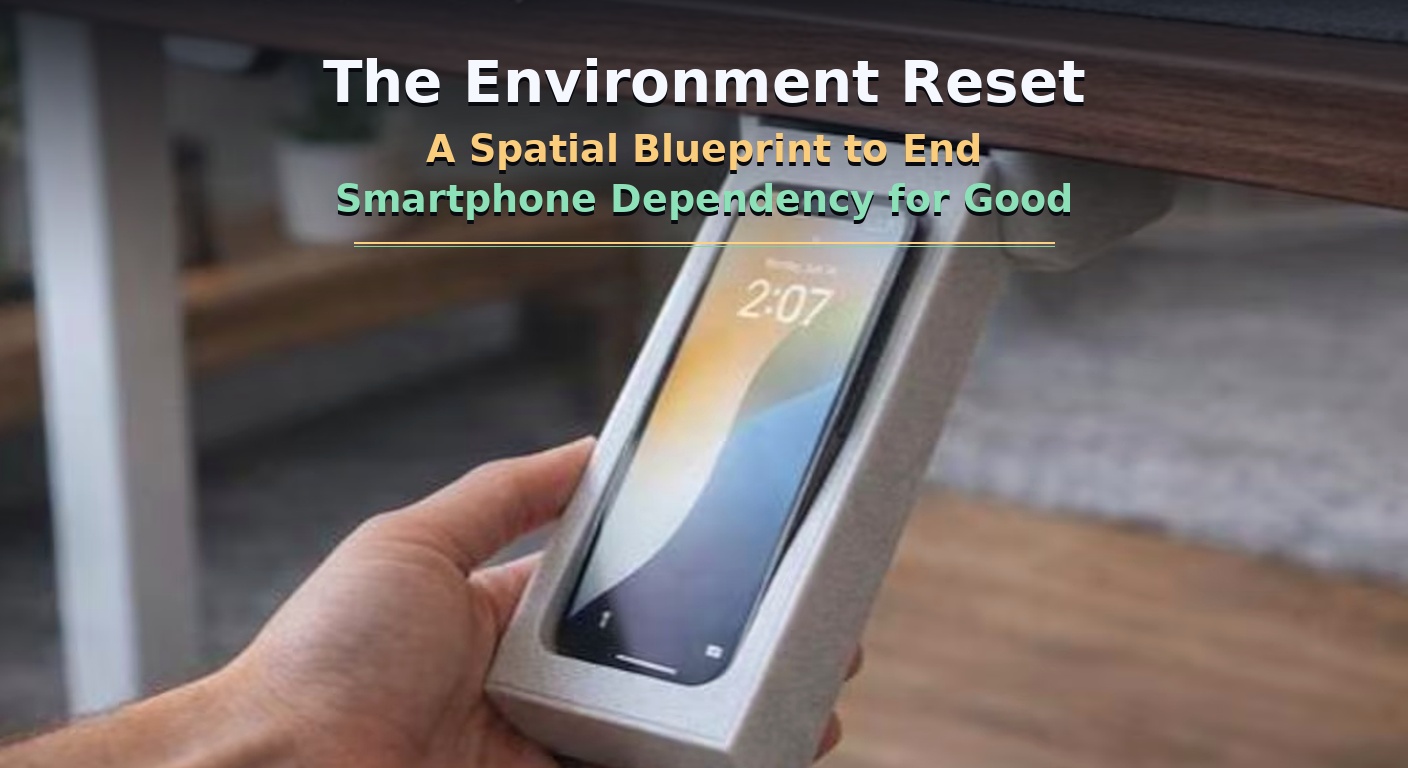
 You do not have a smartphone addiction; you have an environment design problem.
how to reduce screen time
Every year, millions of people download screen-time trackers, configure app-limit timers, and read books on digital minimalism. They vow to stop doomscrolling, promise to stay off their phones at dinner, and attempt to use sheer willpower to resist the most sophisticated attention-harvesting software ever created. By day three, the friction fails. They find themselves patterns-deep in an algorithmic feed, wondering where their afternoon went.
Willpower cannot beat an industry backed by behavioral psychologists and billions of dollars in data optimization. The apps on your phone are explicitly designed to override your self-control.
digital minimalism tips
To win back your attention, you must change the battlefield. Instead of fighting internal psychological battles every time a notification pings, you must use Spatial Architecture. By restructuring the physical spaces where you sleep, work, and relax, you can make phone usage inconvenient while making focus the default setting of your room. This is the complete blueprint to The Environment Reset—a practical guide to altering your physical reality to permanently end smartphone dependency.
smartphone addiction help
1. The Proximity Rule: The Physics of Friction
Behavioral economics shows that human beings naturally choose the path of least physical resistance. If an object is within arm’s reach, your brain views it as “zero-cost friction.”
The 20-Second Rule
Popularized by Harvard researchers, the 20-Second Rule states that if you can make an undesirable habit take just 20 seconds longer to initiate, you drastically reduce the statistical likelihood of doing it. Conversely, if you make a positive habit 20 seconds easier to access, your consistency skyrockets.
┌────────────────────────────────────────────────────────┐
│               THE HIGH-FRICTION CHOICE                 │
├────────────────────────────────────────────────────────┤
│ [Impulse to Scroll] ──► Walk to Hallway Closet         │
│                           │                            │
│                           ▼                            │
│                     Unlock K-Safe Box                  │
│                           │                            │
│                           ▼                            │
│                     Retrieve Phone ──► (Willpower Wins)│
└────────────────────────────────────────────────────────┘
When your phone sits on the desk next to your laptop, the physical distance is roughly 18 inches. The time required to pick it up is under 1 second. Your brain doesn’t even have time to activate its conscious prefrontal cortex before you are already typing in your passcode. By physically separating yourself from the device, you create a structural delay that allows logic to override impulse.
2. Phase 1: The Sanctuary Protocol (The Bedroom Reset)
The most damaging spatial vulnerability occurs in the bedroom. Bringing your phone to bed destroys sleep hygiene, delays circadian rhythm markers, and ensures that the very first input your brain receives upon waking is someone else’s agenda, news, or outrage.
Execute these three hard spatial modifications to reclaim your sleep sanctuary.
Step 1: Establish the Out-of-Room Charging Terminal
-
- The Rule: Your phone charger no longer lives on your nightstand. It is permanently banned from the bedroom.
- The Execution: Set up a charging station in your hallway, kitchen, or living room. Plug your phone into this station at exactly 9:00 PM every evening and leave it there overnight.
Step 2: Introduce a Single-Function Alarm Clock
-
- The Excuse: “I need my phone next to my head because it’s my alarm clock.” This is the ultimate digital dependency lie.
- The Execution: Buy a cheap, analog, single-function alarm clock. Place it on your nightstand. It cannot connect to the internet, it cannot send notifications, and it cannot stream video. Its only job is to emit sound at a specific time.
Step 3: The Nightstand Replacement
-
- The Execution: Fill the space on your nightstand previously occupied by your phone with physical high-value alternatives. Place a paperback book, a physical journal, a glass of water, or a meditation cushion nearby. Make relaxation easy and digital temptation physically impossible.
environment design habits
3. Phase 2: The Deep Work Bunker (The Workspace Reset)
If you work from home or sit at a desk, your smartphone is a constant source of micro-distractions. Even if the phone is turned face down, cognitive scientists have proven that the mere visual presence of a smartphone on a desk significantly reduces an individual’s available working memory capacity. This is known as Brain Drain.
Smartphone on Desk (Face Down) ──► Uses 20% of Cognitive Energy just to IGNORE IT.
Smartphone In Another Room     ──► Frees 100% of Cognitive Energy for the Task.
To eliminate this invisible tax on your focus, build an absolute focus bubble using these environmental steps.
Use a Timed Lockbox (The K-Safe Method)
-
- The Tool: Purchase a physical timed lockbox (such as a Kitchen Safe). These are hard plastic containers with a digital timer built into the lid that cannot be overridden once locked.
- The Routine: When your deep-work block begins at 9:00 AM, drop your phone inside the box, turn the dial to 120 minutes, and lock it. Even if you experience a massive spike of dopamine withdrawal or boredom, you cannot access the device. Your brain quickly accepts the physical boundary and shifts its focus back to your computer screen.
The Dedicated Notification Mirror
-
- The Problem: “What if an emergency happens and someone needs to call me?”
- The Fix: If you cannot lock your phone away due to client or family emergencies, download a desktop integration tool (like Apple’s native iPhone Mirroring or Windows Phone Link). Keep your physical phone inside a closed drawer across the room. If an actual phone call arrives, it will pop up on your laptop screen. This allows you to handle legitimate operational issues without ever touching the device or seeing app notifications.
4. Phase 3: The Social Sandbox (The Living Spaces Reset)
Living rooms and dining spaces should be optimized for human connection, reading, and deep rest. Instead, they are typically designed as passive environments where smartphones fill every silent gap.
The Phone Basket Protocol
-
- The Spatial Rule: When entering the living room or sitting at the dining table, all human entities must check their devices into a static destination.
- The Execution: Place an attractive ceramic bowl or wooden basket near the entryway of your living spaces. When you or your guests arrive, all phones are dropped into the basket. If someone needs to check a text, they must physically walk over to the basket, stand there to read it, and return to the social group without the phone. This changes phone use from an invisible habit into a conspicuous, intentional action.
Visual Cues for Analog Habits
-
- The Principle: Out of sight, out of mind. In sight, in use.
- The Execution: Make your analog hobbies highly visible. Leave your guitar on a stand in the middle of the room, leave an open puzzle on the coffee table, or display your art supplies openly. If your phone is hidden in a drawer and your hobbies are visually striking, your environment will naturally nudge your behavior toward meaningful offline engagement.
grayscale mode phone trick
5. Phase 4: Software-Level Environmental Architecture
While this is a spatial blueprint, your phone’s user interface is a digital environment in its own right. You must redesign this digital topography to make it as boring and unstimulating as possible.
The Grayscale Shift
Modern apps use hyper-vibrant, casino-like color schemes specifically designed to trigger dopamine release in your optical nerve.
-
- The Fix: Go to your phone’s Accessibility settings and turn on Grayscale Mode. Instantly, your vibrant feed turns into a flat, black-and-white landscape. Instagram looks like a 1950s newspaper, TikTok loses its visual addictive quality, and your brain stops craving the screen.
The Home Screen Cleansing
-
- The Rule: No infinite scroll apps are allowed on the primary display.
- The Execution: Move every communication, social media, and entertainment app off your home screen and bury them inside deep folders on the final page of your device. Your home screen should only contain utility applications that have a definitive ending point (e.g., Maps, Calculator, Notes, Weather). If you want to open an app, you must manually type its name into the search bar, forcing conscious intent into the action.
Old Screen: [TikTok] [Instagram] [X] ──► Instant Tap (Accidental Access)
New Screen: Blank Space ──► Swipe ──► Search Bar ──► Type "T-I-K-T-O-K" (Conscious Intent)
Conclusion: Build Your Fortress of Attention
You do not need more willpower; you need a better room. Stop blaming your lack of discipline for habits that have been meticulously engineered by multi-billion-dollar tech infrastructures.
By running an Environment Reset, you change the terms of engagement. You build physical boundaries that protect your sleep, create focus sanctuaries that supercharge your work, and design social spaces that foster deep human connection. Rebuild your space, dictate the boundaries, and let your environment preserve your focus for you.