 Every day, you feed a massive corporation your most valuable intellectual property. You type personal thoughts into cloud-based journal apps. You drop sensitive corporate strategies into ChatGPT. You let cloud servers index your emails, calendar links, and late-night business ideas.
While modern artificial intelligence is an incredible tool for productivity, it has a massive structural flaw: it requires you to sacrifice your absolute privacy for personal utility.
When you upload your life notes to a commercial cloud AI, your data is processed, analyzed, and frequently used to train future public models. For anyone handling proprietary business data, deeply personal reflections, or sensitive medical histories, this is a privacy nightmare.
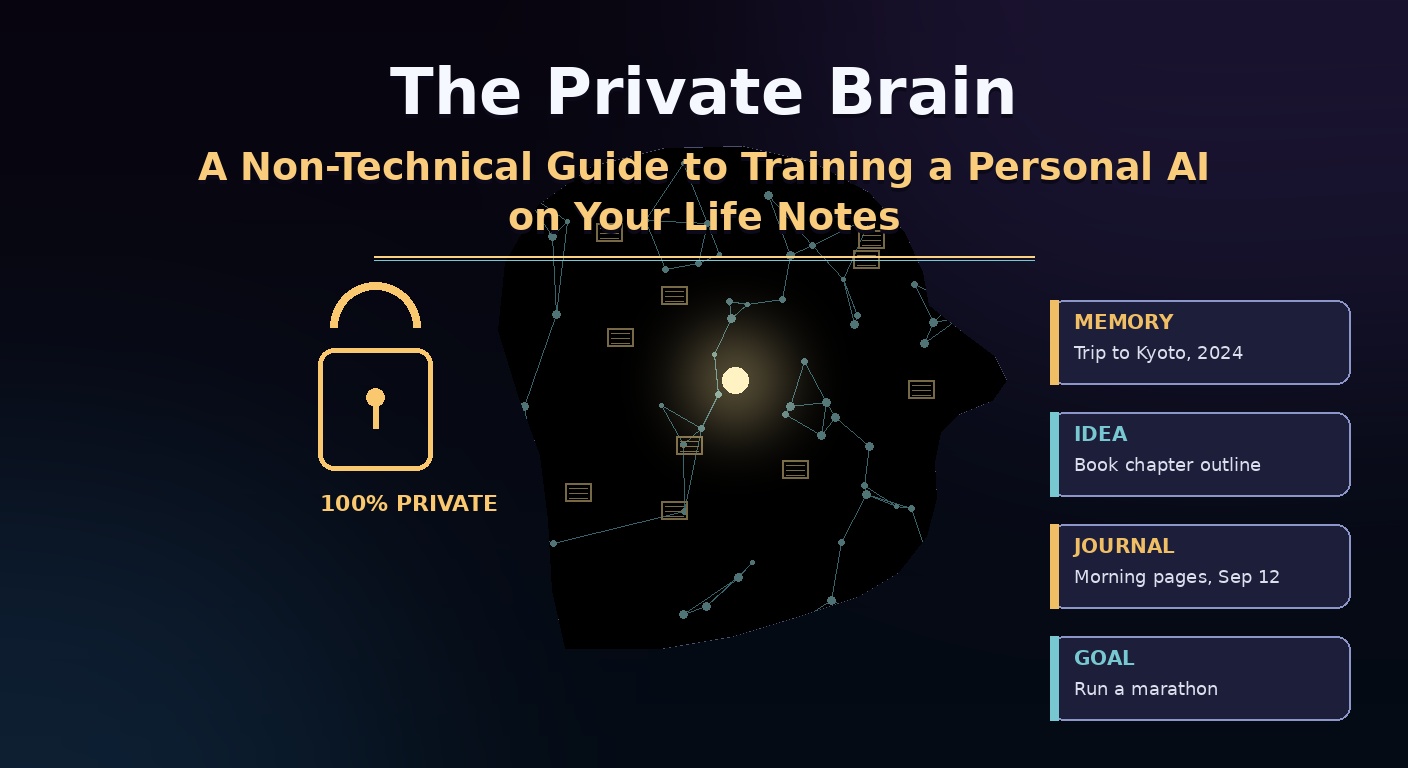
But a generational shift is happening. You no longer need a massive server farm or a degree in computer science to run cutting-edge artificial intelligence. This is the ultimate non-technical playbook to building a Private Brain—a highly secure, completely offline AI assistant that runs directly on your personal computer, trained exclusively on your private life notes, journals, and data vaults.
1. The Core Infrastructure: Why a Local AI Changes Everything
Most people assume that tools like ChatGPT must live on the internet to function. In reality, an artificial intelligence model is simply a very large, static file containing billions of mathematical weights.
Thanks to massive open-source optimization, these models have been shrunk down to run flawlessly on standard consumer laptops, particularly Apple Silicon Macs (M1/M2/M3/M4 chips) and Windows PCs with dedicated graphics cards.
The Cloud AI vs. Local AI Tradeoff
| Feature | Commercial Cloud AI (ChatGPT, Claude) | The Private Local Brain (Ollama, LM Studio) |
|---|---|---|
| Data Privacy | None. Data is sent to external corporate servers. | Absolute. 100% offline. Your data never leaves your hard drive. |
| Internet Dependency | Requires active Wi-Fi or cellular connection. | Functions perfectly in airplanes, cabins, or during power outages. |
| Personalization | Forgets your context the moment you close the chat tab. | Deeply integrated into your entire multi-year note history. |
| Subscription Costs | $20/month ($240+ recurring annually per user). | 100% Free. Open-source software models cost nothing. |
By transitioning to a local model, you turn your static notes app into a living, conversational oracle that understands your unique history, voice, and personal philosophy—without sharing it with the world.
2. Phase 1: Curation (Preparing Your Knowledge Vault)
An AI model is only as intelligent as the data you feed it. To build a functioning Private Brain, you must aggregate your scattered notes into a clean, machine-readable format.
The gold standard for local data organization is Markdown (
.md). Markdown files are plain text documents that can be read by any computer program on earth, ensuring your data remains future-proof.Step 1: Centralize Your Data
Pick a single home for your notes. The absolute best tool for this is Obsidian or Logseq. Both are free, privacy-first note-taking apps that store files locally on your computer as a simple folder of Markdown documents.
Step 2: Export Your Scattered Data
If your life notes are trapped inside proprietary cloud networks, use these quick extraction methods:
-
- Apple Notes / Google Keep: Use a free tool like Exporter (Mac) or Google Takeout to export all text as Markdown or plain
.txtfiles. - Notion: Go to Settings > Export > Export Entire Workspace as Markdown & CSV.
- Physical Journals: Use your smartphone camera to scan pages directly into text documents using built-in Optical Character Recognition (OCR).
- Apple Notes / Google Keep: Use a free tool like Exporter (Mac) or Google Takeout to export all text as Markdown or plain
Step 3: Eliminate Data Noise
Before linking your notes to your local AI, delete corrupt files, duplicate receipts, and randomized shopping lists. Keep your notes focused on your ideas, journals, meeting summaries, project outlines, and deep reflections.
3. Phase 3: Setting Up Your Local AI Engine (The Non-Technical Way)
You do not need to write a single line of code to get a local AI running on your desktop. Two free, user-friendly programs handle all the heavy lifting behind the scenes.
┌────────────────────────────────────────────────────────┐
│             THE PRIVATE BRAIN SYSTEM LAYOUT            │
├────────────────────────────────────────────────────────┤
│ [Your Private Notes Vault] ──► [AnythingLLM Interface]  │
│                                           │            │
│                                           ▼            │
│ [100% Offline Processing]  ◄─── [Local Engine (Ollama)]│
└────────────────────────────────────────────────────────┘
The Engine Setup (Ollama)
Ollama is an application that runs quietly in your computer’s background, allowing you to download and manage open-source AI models with one click.
-
- Download and install Ollama from
ollama.comfor your operating system (Mac, Windows, or Linux). - Run the application. It will display a small icon in your computer’s menu bar, indicating that the local engine is live and ready.
- Download and install Ollama from
The Interface Setup (AnythingLLM)
To interact with your notes visually, you need a chat dashboard that mimics the clean aesthetic of ChatGPT. AnythingLLM is an open-source tool built specifically for this.
-
- Download and install AnythingLLM from
anythingllm.com. - Open the app and select Ollama as your default AI provider.
- Choose your preferred AI model from the drop-down menu. For everyday laptops, select Llama 3 or Mistral. These are incredibly lightweight, hyper-intelligent models developed by top research institutions.
- Download and install AnythingLLM from
4. Phase 4: Embedding Your Notes (Connecting the Brain)
Now comes the magic step: introducing your local AI model to your lifespan of personal notes. AnythingLLM uses a local process called Retrieval-Augmented Generation (RAG) to index your documents.
How to Link Your Vault
-
- Inside AnythingLLM, create a new digital sandbox called a Workspace. Name it “My Private Brain.”
- Click on the Workspace Settings icon and select the Documents tab.
- Drag and drop your entire folder of Obsidian Markdown notes directly into the application upload window.
- Click the button labeled “Save and Embed.”
AnythingLLM will now run through your notes folder, converting your human words into deep mathematical strings called vectors. Because this process happens entirely inside your machine’s local processor, no data is ever transmitted across an internet connection.
Once embedding is finished, the local AI model will have total, instant access to every sentence, idea, and personal journal entry you have ever written.
5. The 3 Killer Use Cases of Your Private Brain
Once your system is fully synchronized, you can interact with your past self in ways that were completely impossible just a few years ago.
Use Case 1: The Autobiography Chatbot
Instead of manually scrolling through years of files trying to remember a specific personal milestone, change your life, or memory, ask your Private Brain directly.
-
- What to ask: “Based on my journals from 2022, what were the primary psychological stressors causing my career anxiety, and how did I overcome them?”
- The Result: The AI will scan your 2022 entries, synthesize the patterns, and summarize your exact coping mechanisms in seconds.
Use Case 2: The Core Skill Pattern Identifier
Our personal blind spots prevent us from seeing our cyclical mistakes. Your local AI acts as an objective observer over your entire historical timeline.
-
- What to ask: “Read through my meeting notes and productivity logs from the past two years. What structural habits consistently precede my most productive creative breakthroughs?”
- The Result: It will extract the precise variables (e.g., specific sleep counts, early mornings, offline focus blocks) that statistically yield your best work.
Use Case 3: The Safe Instant Ghostwriter
Need to write a personal newsletter, a business proposal, or a reflective essay in your exact voice without letting a public tech company copy your styling?
-
- What to ask: “Draft a 500-word essay about career autonomy. Analyze my uploaded personal essays and match my exact tone, syntax structural flow, and vocabulary choices.”
- The Result: You get an accurately tailored document that reads precisely like you wrote it, saving you hours of stylistic editing.
6. Maintaining Total Algorithmic Air-Gapping
To ensure your Private Brain stays completely secure and uncompromised over long periods, adopt these two core operational rules.
Turn Off Your Wi-Fi to Test Security
If you are deeply concerned about data leakages, physically turn off your computer’s Wi-Fi or unplug your ethernet cable. Open AnythingLLM and start a complex chat prompt about your private notes. You will see the local system respond instantly with complete clarity. Knowing your AI works seamlessly at 35,000 feet in the air without an internet connection provides ultimate peace of mind.
The Continuous Update Workflow
As you write new notes inside your Obsidian vault daily, they will not automatically appear inside your AI workspace. Make a habit of opening your AnythingLLM document settings once every two weeks, dragging your updated notes folder back into the window, and clicking re-embed. This keeps your machine-learning alter-ego permanently up to date with your expanding human perspective.